
Mobile QR AR at exhibitions
Visitors use their own compatible phones to open an AR experience in the browser. Use it for a single product preview or link several stands into a show-wide trail.
Plan a mobile AR experience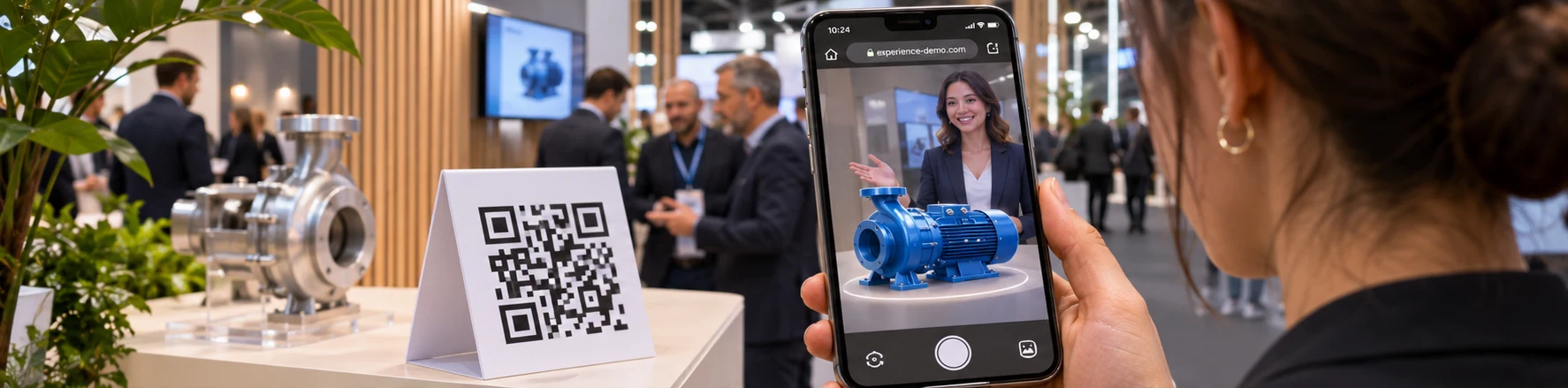
Try the visitor journey
This interactive walkthrough uses the same pump exhibit to show how each format works.
Visitor’s phone · simulated browser view
Pump showcase · Stand B24
What the visitor does
Place a code at the entrance, on a stand or beside an exhibit. Each code opens the relevant stop.
What the browser and event team do
The code takes visitors straight to the relevant exhibit. The launch page explains what the experience shows.
What it takes to run
What you provide
Share the floor plan, participating stands and approved product or sponsor assets. Agree where the QR signs go and what visitors should be able to do at each stop.
What AugmentifyAR delivers
We write and build the scenes, prepare the QR links and signs, and test the first scan on supported devices and the venue connection. Agree a browser-based information fallback and any checkpoint or completion reporting during scoping.
All images on this page are illustrative.